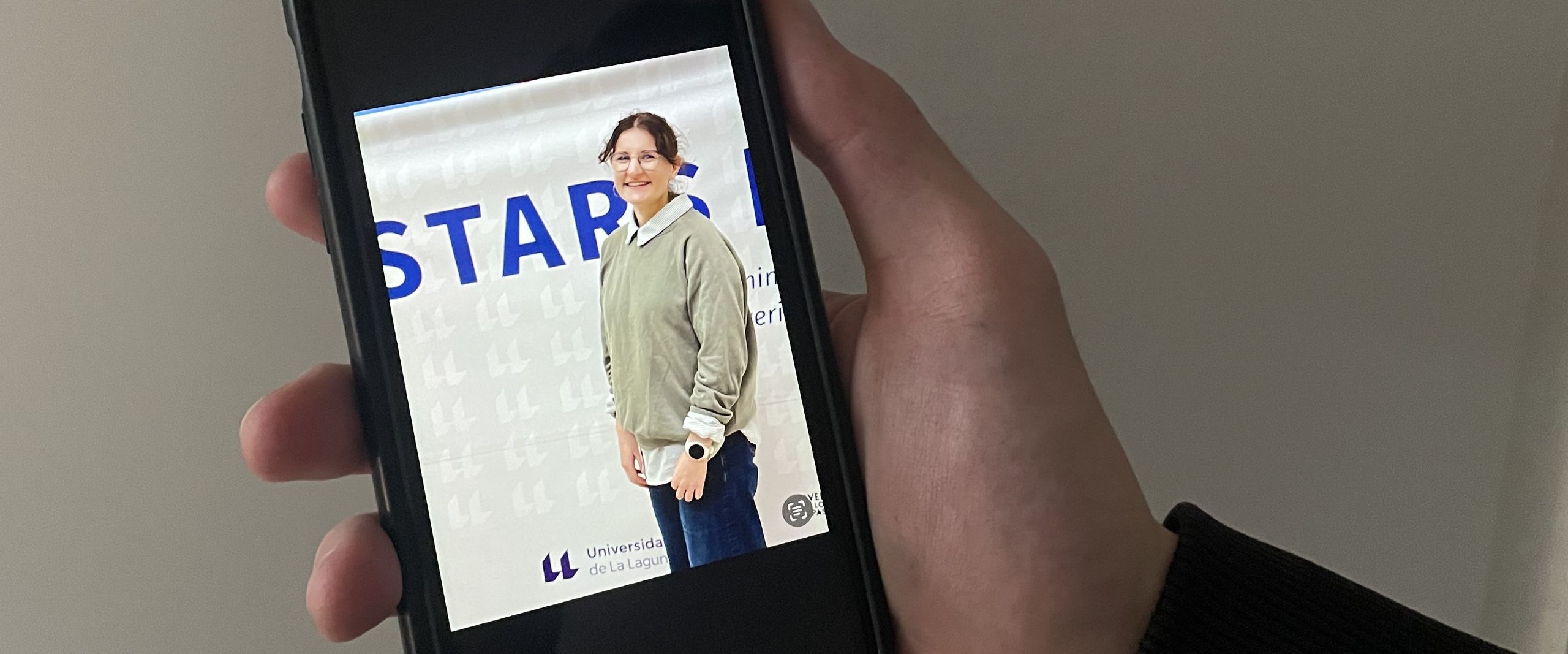
Accessibility in social media is crucial for digital participation and inclusion. It ensures that people with disabilities can use content. This is also an important issue for STARS EU in order to jointly shape the EU-funded university alliance. That is why the alliance's Student Board and the Centre for Teaching and Learning (ZLL) at Hochschule Bremen (HSB) organised an online workshop on accessibility in social media. One of the organisers was Jule Sobanja. The HSB student is a member of the Student Board. It represents the students of the nine partner universities in the alliance. In this interview, the 23-year-old explains what needs to be considered to ensure accessibility in social media.
First, one question please, Jule: How big is the share of target groups on social media that can't be reached if you ignore accessibility?
Jule Sobanja: According to our workshop speaker Maria Jerez, it's about 30 per cent. This shows that we need to pay a lot more attention to this important topic. Maria Jerez shared some interesting facts and gave us some valuable tips. She is a specialist in digital accessibility at the EU Publications Office in Luxembourg.
What are some of these recommendations?
Jule Sobanja: When writing a post on social media, it is essential to keep the text readable and the format simple. For example, punctuation and spelling should be correct, and no spaces should be used to format the text in order to enable the use of a screen reader.
What is a screen reader?
It is a text-to-speech software that is mainly used by blind and visually impaired readers. All visual content, such as images, therefore needs a textual description. In addition to improving accessibility, this also improves findability on the internet. The conscious use of emojis is also important in this context, so that, for example, the text read aloud matches the desired message. Maria Jerez introduced us to Emojipedia for this purpose. There, you can look up descriptions of emojis and check that their use is appropriate in terms of content.
In addition to using emojis, you also discussed the use of hashtags and links – and what else to consider on a visual level.
Jule Sobanja: Right. A simple trick to check this yourself is to switch the screen to black and white view. This allows you to see whether the visual content works independently of colours through shapes. And what many people don't know is that GIFs should ideally stop after five seconds or not have any bright flashing elements. This takes into account users with photosensitive epilepsy or ADHD. Overall, it was a very interesting workshop on an important topic. Many thanks to Maria Jerez for the great implementation.
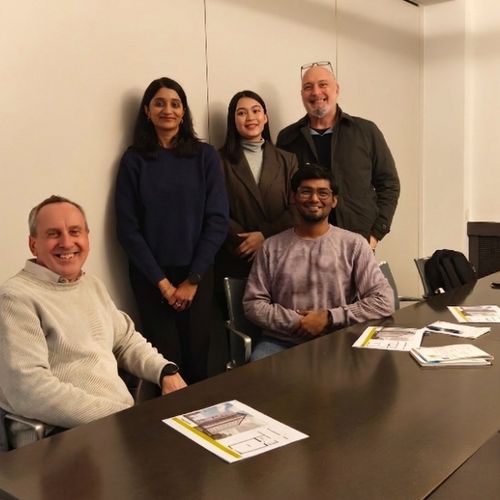
A total of 14 participants (staff and students) from the four partner universities Aleksandër Moisiu University of Durrës (Albania), Cracow University of Technology (Poland), University of La Laguna Teneriffa (Spain) and Hochschule Bremen - City University of Applied Sciences took part in the workshop.
Student Board provides information
Anyone interested in the topic of accessibility in social media or in STARS EU in general is welcome to contact the Student Board at HSB. Further events on various topics are in the works.
Contact STARS EU Student Board at HSB: starseustudentboard@hs-bremen.de
Information on digital accessibility:
Jule Sobanja is studying nursing science at HSB and is on the executive committee of the STARS EU Alliance Student Board. The board represents students from the nine partner universities in the network.
© HSB - Meike Mossig